For patients
Your physical therapist set up your home program in Movra.
Your exercises, how to do each one, and a quick way to tell your therapist how you’re feeling, all in one app between visits.
Getting started
Three steps, about two minutes.
Step 1
Find the email from your clinic
It comes from Movra with the subject “You’ve been added to Movra!” Some clinics hand you a QR code to scan instead.
Step 2
Download Movra and sign up with that same email
Use Apple, Google, or an email and password. The matching email is how the app finds your clinic.
Step 3
Say yes, and your plan opens
The app asks your okay to share your progress with your clinic. If it says “Waiting for your plan,” your therapist is still finishing it.
Each day
A few minutes, on the Care Plan tab.
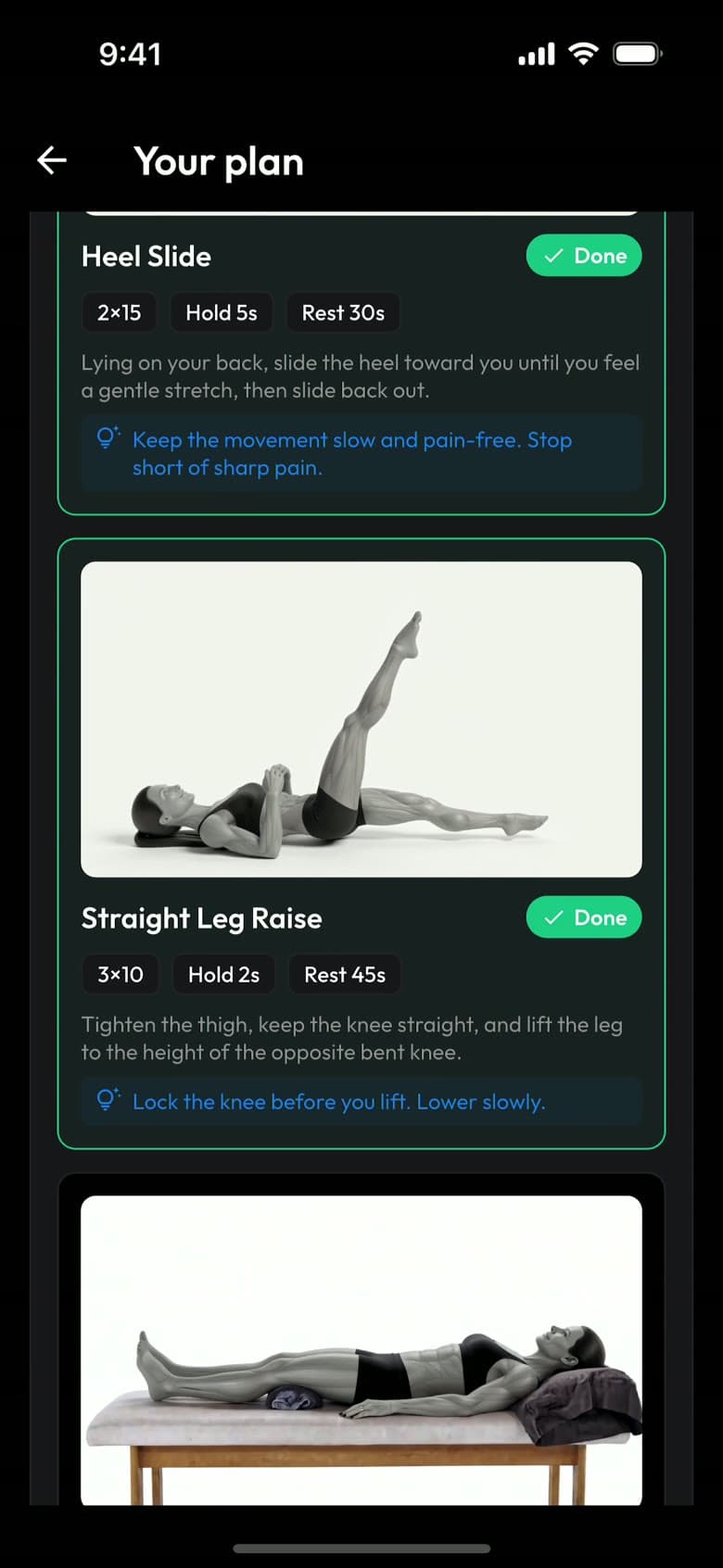
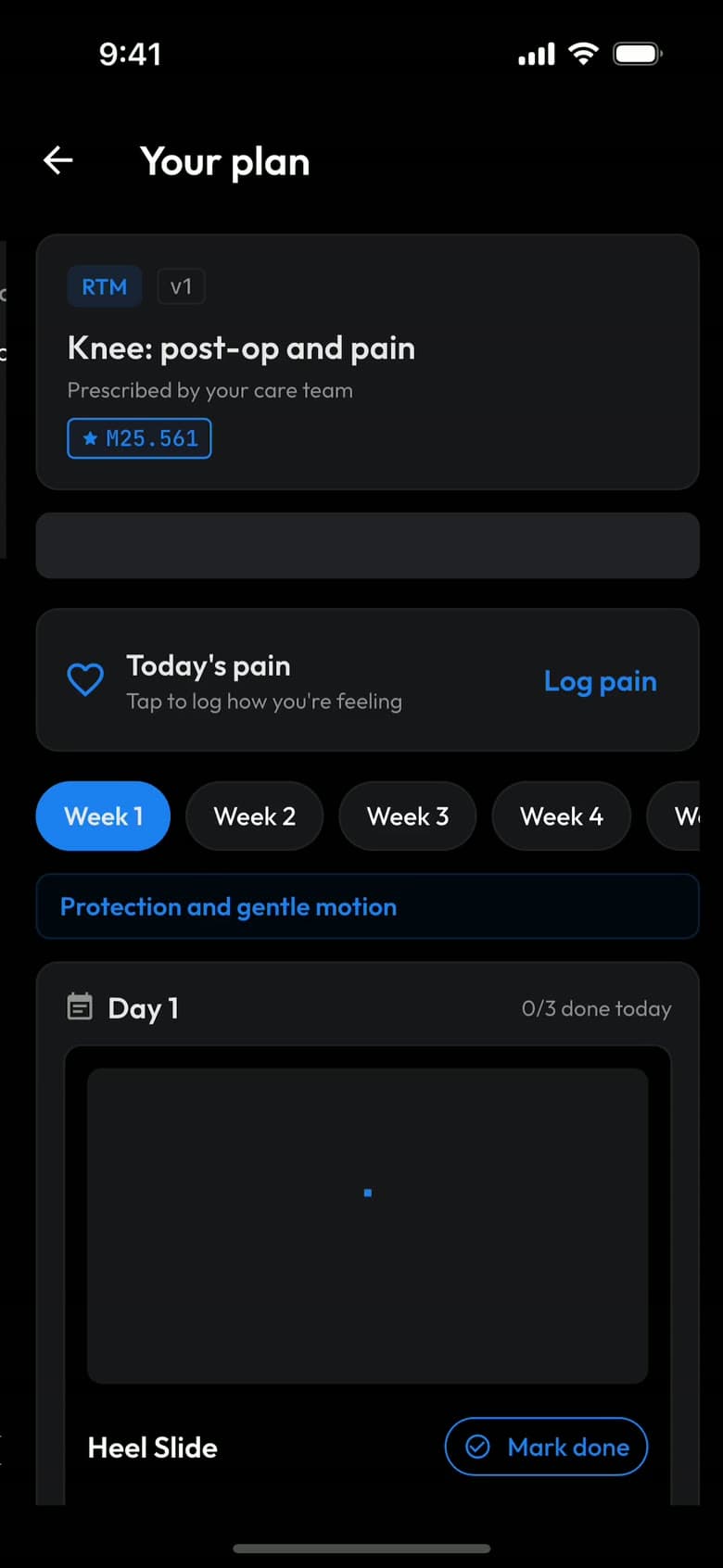
Everything your therapist prescribed is in one place, week by week.
Do your exercises
Each one has a demo, your sets, reps and holds, and tips from your therapist. Tap Mark done when you finish.
Log your pain
A 0 to 10 slider, once a day. It takes a few seconds and tells your therapist how you’re really doing.
Ask when you’re unsure
Message your care team from the Care Team tab. They reply in the app.
Your therapist keeps an eye on it
They see what you marked done and your pain scores, and adjust your plan between visits.
Also in the app
The rest is yours, if you want it.
Nutrition and Community
Log meals with a photo, and join groups with other people using Movra. Both optional. Nutrition is general guidance, not part of the plan your therapist prescribed.
When your plan wraps up
Once your therapist discharges you, the Workouts tab opens with general workouts so you can keep moving. Your finished plan stays under Past care plans.
Questions
What patients ask first.
Does this replace my physical therapy visits?+
No. Your therapist prescribed the plan and still leads your care. Movra is how you do the plan at home, and how they see how it’s going between visits.
Who sees my information?+
Your clinic’s care team sees the exercises you mark done, your pain scores, and time spent with your plan. You agree to that before the plan opens, and you can ask your clinician to end the plan at any time. The privacy policy has the details.
Does it cost me anything?+
The app is free for you through your clinic. Your clinic may bill your insurance for monitoring your recovery, like other care they provide, so your usual copay or coinsurance may apply. Your clinic can tell you what to expect.
How often should I use it?+
Every day your plan has exercises, and log your pain once a day. Most days it takes a few minutes. You can turn on reminders in Settings.
What if an exercise hurts?+
Stop, and follow the pain limit your therapist wrote into your plan. Call your clinic if something doesn’t feel right. In an emergency, call 911.
I didn’t get an email, or I can’t see my plan.+
Make sure you signed up with the same email your clinic has on file. If it still isn’t there, ask your clinic, or write to us using the link at the bottom of this page.
Ready when you are.
Download Movra and sign up with the email your clinic has on file.
Trouble with the app? Write to us. Please leave out health details. · Privacy policy